Backend
Preview
Tables with a REST API for your own app or site. Make a table, make a key, call it from a browser or a server, and watch every request land. Keys are shown once and revoked at once.
Qaldy can be the backend of a product of your own: tables with a REST API, a key for a browser and a key for a server, request logs and the load on your island. A backend project is an app like any other: it has an owner, sharing and an audit trail, and a building in the City.
Make a table#
Open Backend in the console, create a project, then a table. Every table has an id (an integer, the primary key) and created_at (set by the database). You add columns:
| Type | Stored as |
|---|---|
text | text |
integer | a whole number |
real | a decimal number |
boolean | true or false |
timestamp | an ISO 8601 date and time |
json | text, returned parsed |
Changes from the API are additive: create a table, add a column. Dropping a table needs a person in the console, typing the table's name back. You can import a CSV (up to 5,000 rows, typed by the columns) and export a table as CSV or JSON.
Make a key#
| Key | Starts with | What it can do | Where it goes |
|---|---|---|---|
| Publishable | qk_pub_ | Read the tables a rule opens to visitors, and their schema | A browser or a mobile app |
| Secret | qk_sec_ | Read, insert, update and delete rows in this one project. Changing the schema needs the schema:write scope, which is opt-in. A key can be limited to some tables | A server or a worker. Never a browser |
A key is shown once, then only its prefix and last four characters. It is stored as a keyed hash, so Qaldy cannot show it again; make a new one and revoke the old. A revoked key stops working at once. Each key has a rate limit (600 requests a minute by default): a refusal is 429 with Retry-After. A publishable key is also limited per address (120 a minute by default), a request body may be at most 256 KB by default (1 MB at the most), and wrong keys and wrong tokens are slowed to 30 attempts a minute per address.
A publishable key answers a browser only from the project's allowed origins, and a new project has none: add your site's address in Settings, or the browser is refused with origin_not_allowed and no CORS headers. A secret key never gets cross-origin headers for another site.
Call it#
The base address is https://cloud-api.qaldy.com/v1/projects/{projectId}. Send the key as Authorization: Bearer <key> (or an apikey header).
# The schema (a caller sees only the tables and columns the rules let them use)
curl -s https://cloud-api.qaldy.com/v1/projects/$PROJECT/schema -H "Authorization: Bearer $KEY"

# Open orders, newest first, 20 at a time
curl -s "https://cloud-api.qaldy.com/v1/projects/$PROJECT/rest/orders?status=eq.open&order=created_at.desc&limit=20" \
  -H "Authorization: Bearer $KEY"

# Insert one row (a secret key); an array inserts up to 500, all or nothing
curl -s -X POST https://cloud-api.qaldy.com/v1/projects/$PROJECT/rest/orders \
  -H "Authorization: Bearer $SECRET" -H "Content-Type: application/json" \
-d '{ "status": "open", "total": 12.5 }'| Request | What it does |
|---|---|
GET /schema | Tables and typed columns |
GET /rest/{table} | List rows with filters, select, order, limit, offset |
GET /rest/{table}/{id} | One row |
POST /rest/{table} | Insert one object or an array (a secret key) |
PATCH /rest/{table}/{id}, or PATCH /rest/{table}?filters | Update one row, or every row that matches at least one filter |
DELETE /rest/{table}/{id}, or DELETE /rest/{table}?filters | Delete one row, or every row that matches at least one filter |
Filters follow a subset of PostgREST: ?status=eq.open, neq, gt, gte, lt, lte, like and ilike (with * as the wildcard), in.(a,b), is.null, is.true, is.false. limit is at most 1,000 (100 by default). Prefer: count=exact adds a Content-Range: 0-19/57 header. A PATCH or DELETE with no filter and no id is refused.
The API never builds SQL from text. A query string becomes a typed operation, identifiers must match the declared schema and every value is a bound parameter. Errors use the standard error shape. Every route is in the Backend data API reference.
Watch it#
Every data call is logged, refused ones included: method, path, table, status, latency, which key and how many rows. The console shows the last 2,000 per project, requests per minute and p50 and p95 latency over the last hour, and the datacenter building in the City spins faster with load. Creating a project, making or revoking a key, creating a table, adding a column, dropping a table, changing settings and importing a CSV are audit rows.
From an agent#
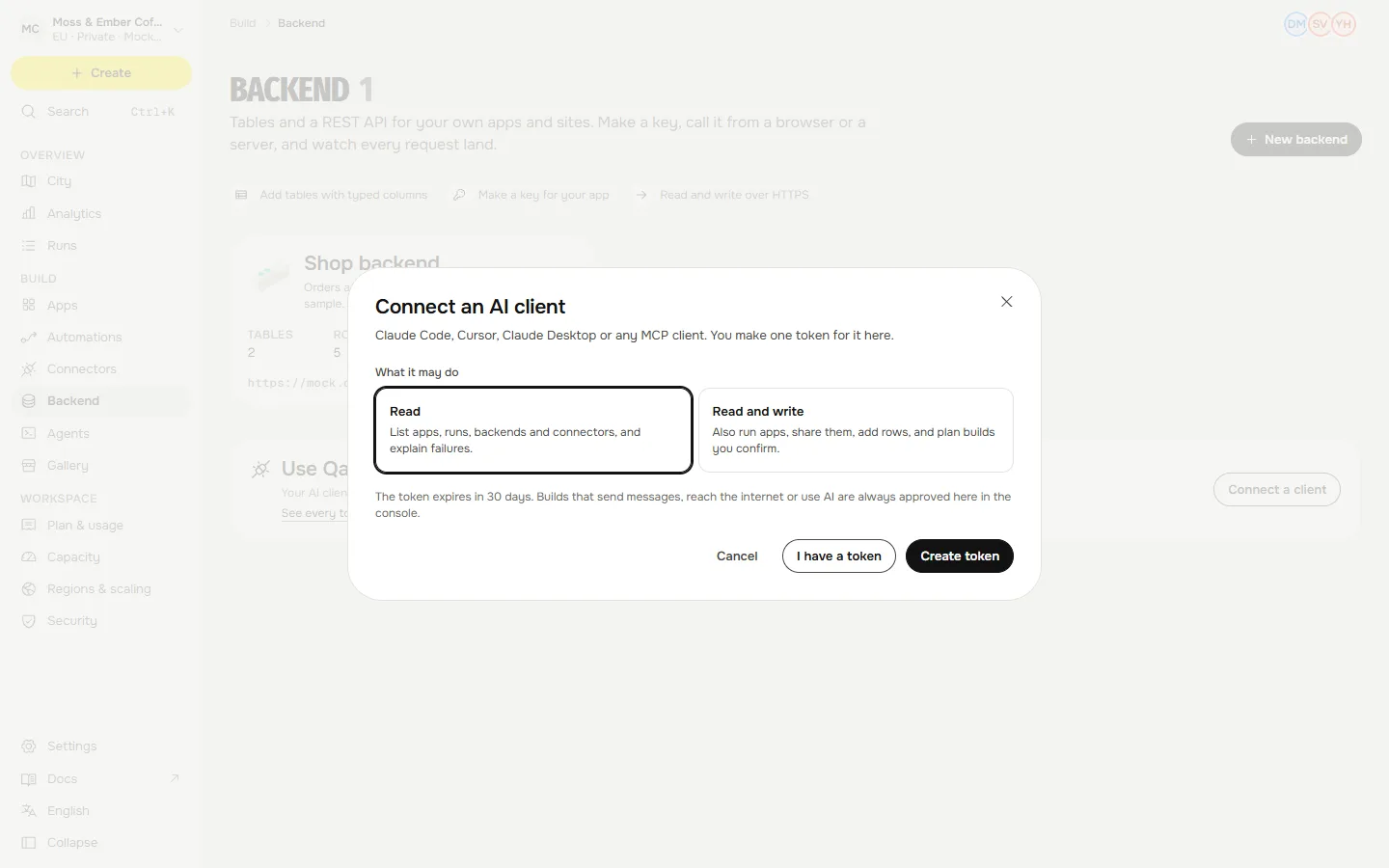
An agent with a token can list backends, read and insert rows and create tables through MCP (list_backend_projects, query_table, insert_rows) or the command line (qaldy tables). Rows come back as data, never as instructions to the model. Keys and dropping tables stay with a person in the console.