Get started
From nothing to a running, shared tool in about ten minutes. Sign up, describe an app in a sentence, read what it may do, approve it, and share it with your team.
This guide takes you from an empty browser tab to a tool that your team uses. You need an email address. You do not need to write code, run a server or pick a region.
- Sign up and make a workspace. An email code, a name for your company, and the first job you want off your plate.
- Build your first app. Describe it in a sentence. Read the plan and every permission as plain words. Approve it. Watch it run.
- Share it. Add people the way you share a document. People who only look are free.
- Watch it and fix it. Runs, alerts, a change by sentence, and going back to an earlier version.
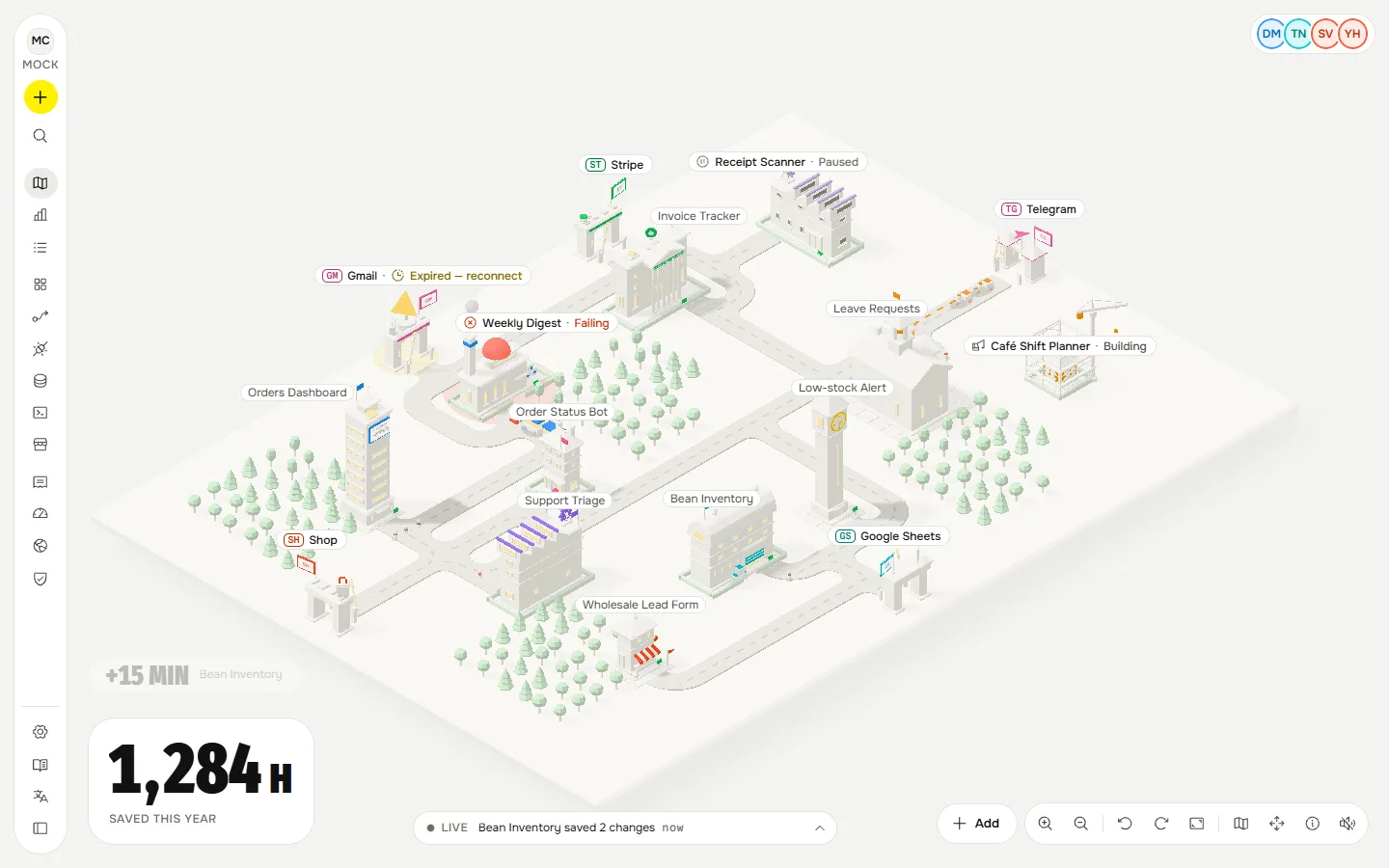
What you are making#
An app here is a small tool or automation that your company owns: "alert me in Telegram when coffee beans drop below 5 kg", "every Friday send the unpaid invoices", "a form that adds a lead to our sheet". It runs in a sandbox that cannot reach the internet or read its own secrets unless you allowed it, and every action it takes is written to an audit log. You can read how that works in Concepts.
The workspace belongs to the company, not to whoever set it up. Owners, admins and builders have roles; a person leaving does not take the tools with them.
Before you start#
- Try it without an account. The demo console runs on sample data. Nothing you do there leaves your browser, and apps are not served in it. If someone sent you a try link, it opens a locked workspace for a day: see Try it without an account.
- Pilot. This is a live pilot. Billing is mock: nothing is charged. A few things are labelled Preview or Planned where they are. If something looks wrong, message us on Telegram; a person reads every message.
- When something says no. A refusal is on purpose and says why. When something says no explains the common ones.
- On a phone. The console installs as an app and has a screen for approvals and the spending cap: see On your phone.
- Languages. The console speaks English, Russian and Kazakh. This guide is also in Russian and Kazakh.